The audit log
The audit log is SBDMS’s permanent record of who changed what, and when. Every important change writes one row with a snapshot of the record before and after. This page is for SuperAdmin, GeneralAdmin, and the developer who helps them.
Who can see it
Section titled “Who can see it”Only SuperAdmin and GeneralAdmin. A LocationAdmin manages operators and must not be able to mine their compliance log, so the server refuses other roles.
Where to read it
Section titled “Where to read it”There is no Audit Log page in the web app today. The old address from earlier manuals shows Page Not Found.
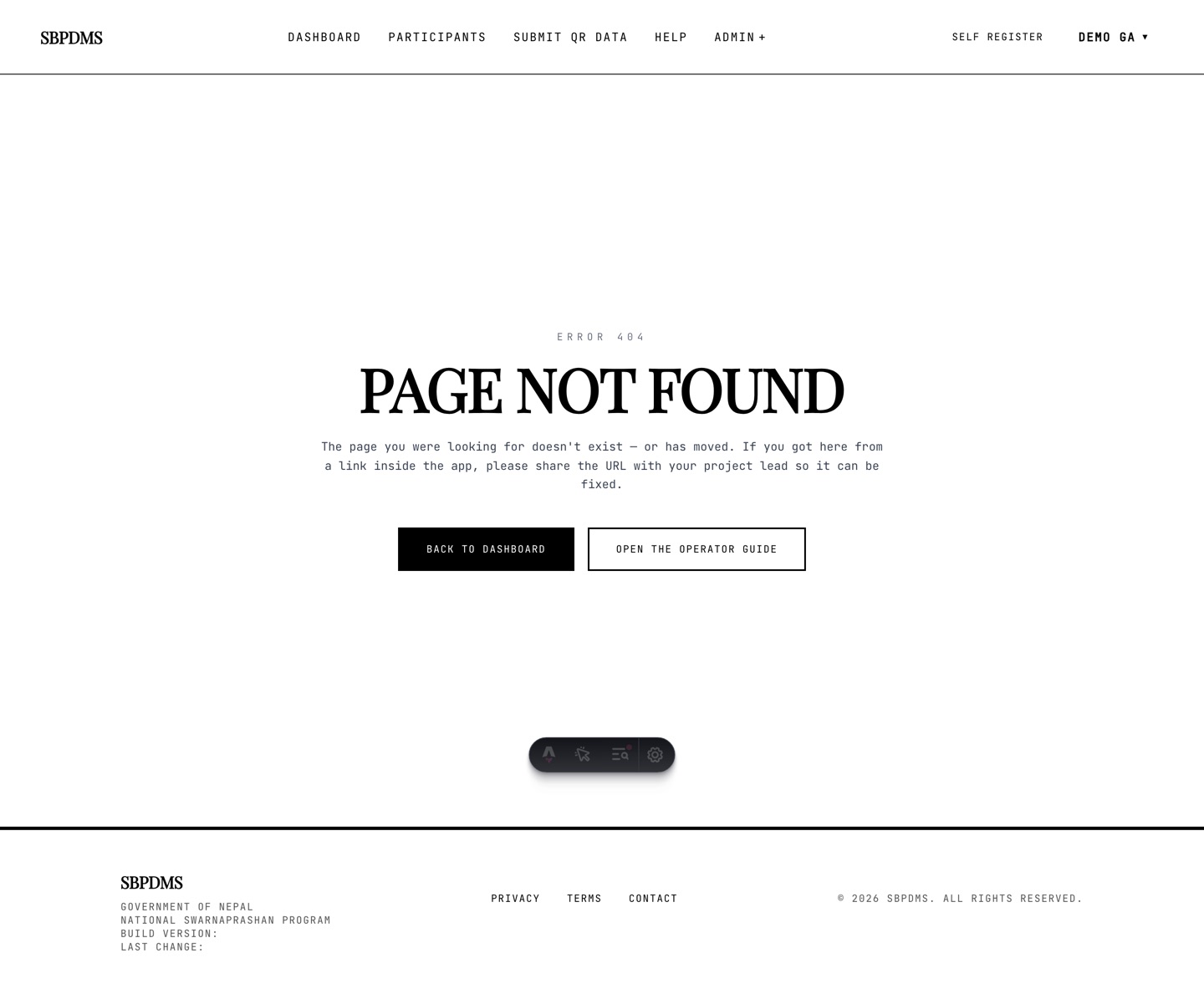 Typing the old audit address in the browser. The log is read through the admin audit address on the server, or through the export.
You reach the log in three ways:
- The audit list address on the server. Your developer calls it with an admin login and gets pages of rows, newest first. It is the only way to see the before and after snapshots.
- The audit-log export — CSV or XLSX of the same rows without the snapshots. See Data exports.
- Indirectly, in reports. The registrations report reads the first Verify snapshot of each child to show a site change at verification.
Filters on the list
Section titled “Filters on the list”The list address accepts these filters. Leave any of them out to get everything.
| Filter | Meaning |
|---|---|
table |
The table name, for example Children |
pk |
The id of one record in that table |
action |
One action name, for example Verify |
actor |
The user id of the person who acted |
fromAt, toAt |
Time bounds in UTC |
page, pageSize |
Paging; 50 rows by default, at most 200 per page |
The reply gives the rows plus TotalCount, Page, PageSize and TotalPages.
What every row records
Section titled “What every row records”| Field | What it holds |
|---|---|
| Id | Row number; rows are never edited or deleted |
| TableName | Which kind of record changed |
| Pk | The id of that record |
| Action | What happened; see the list below |
| Actor | The user id of the signed-in staff member, or public for the self-registration form |
| ActorRole | Their role at that moment, so a later role change does not rewrite history |
| BeforeJson | The record before the change; empty for a create |
| AfterJson | The record after the change; empty for a delete |
| Endpoint | The request that caused it, as method and path, for example PUT /api/participants/42 |
| Ip | The address the request came from |
| At | The time in UTC. Add 5 hours 45 minutes for Nepal time |
Before and after snapshots
Section titled “Before and after snapshots”The two snapshots are the whole record as it was and as it became. To find what
changed, compare them field by field. The registrations report does exactly this
with PreferredCampSiteId to spot a site move.
Action names you will meet
Section titled “Action names you will meet”Most tables use plain words. The dose-session table uses two-part names that say which step of the Prashan flow wrote the row.
| Table | Actions |
|---|---|
| Children | Verify (verification, also when register-and-verify runs), Update, Create (org roster import), SoftDelete, ChangeVerificationCampsite (an admin re-points the site a child was verified at, from the profile page) |
| Guardians | Create, Update, SoftDelete |
| ChildGuardians | Link, Unlink, SetPrimary |
| ChildMedicalHistory, ChildMonthRemarks | Create |
| CampDays | Created, Updated, Completed, SoftDeleted, Restored, DosesUnassigned |
| CampSites | Create, Update, Delete |
| CampSiteHPVs | AssignHPVs (staff assigned to a site) |
| HPV (staff accounts) | Create, Update, SoftDelete |
| DosePreparations | Create, Update, Lock, Unlock, Delete |
| OrgSources | Create |
| The dose-session table | Start-Create (a new screening started), Start-Update (screening data saved on a resumed session), Submit-Create (a dose completed with no earlier start), Submit-Update (a started session finalised with the dose), Submit-CompleteIncomplete (a screened-but-not-dosed child marked as dosed from the camp day report) |
Register-and-verify writes two Verify rows a second apart: the first carries the real site move, the second is already settled. Read the first one.
Reading a trace id
Section titled “Reading a trace id”A trace id is not a column of the audit log. It belongs to the server’s own log
files. When a request fails with a server error, the reply carries an X-Trace-Id
header and the error page tells you to copy it. Give that id to the developer; they
search the server log for it and see every line written while handling that one
request, including which audit rows it wrote.
Two things the log does not do
Section titled “Two things the log does not do”- It never blocks a change. If writing the audit row fails (for example a full disk), the change still goes through and the failure is written to the server log.
- It cannot be edited or trimmed from the app. There is no update or delete for audit rows. Retention is handled outside the app at the database level.