What SBDMS is
This page explains the programme, the problem, and the tool. Read it first if you are new to SBDMS, whatever your role.
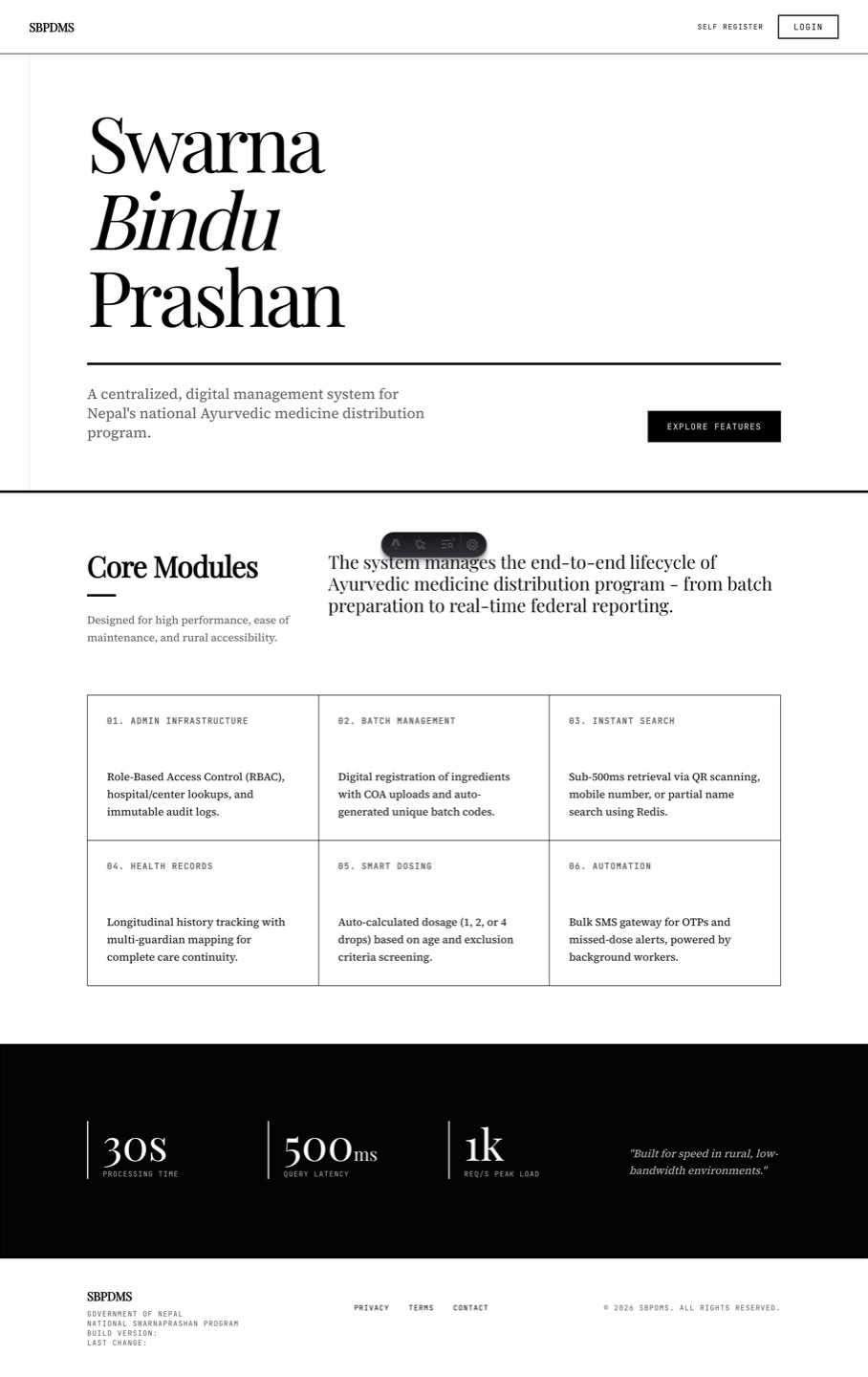 The public landing page. Anyone can open it. Parents click Self Register; staff click Login.
The Swarnaprashana programme
Section titled “The Swarnaprashana programme”Swarnaprashana (Swarna Bindu Prashan, स्वर्णबिन्दु प्राशन) is an Ayurvedic preventive programme run by Nepal’s Ministry of Health and Population. Children from six months up to five years old are given a few drops of a gold-based preparation by mouth. The drops are given on Pushya Nakshatra days, which come round about once a month. Each such day is called a Prashan day.
Prashan days happen at Ayurveda hospitals and health centres across Nepal. In SBDMS each of these places is a camp site. A child comes back every month, so one child may collect dozens of doses over the years.
What went wrong with paper
Section titled “What went wrong with paper”Before SBDMS the programme ran on paper registers (the Anusuchi forms). That caused real problems:
- Every camp kept its own register. Numbers were copied by hand to the district office. Copy errors piled up.
- A family who moved to another district started from zero. The new camp had no way to see the child’s history.
- Nobody could say quickly how many children were dosed last month, or which children had stopped coming.
- A child’s record could be lost with the notebook it was written in.
How SBDMS solves it
Section titled “How SBDMS solves it”SBDMS stands for Swarna Bindu Prashan Digital Management System. It is a website. There is nothing to install. Open it in any modern browser on a computer, tablet or phone.
It replaces the paper register with:
- One central record per child. Each child gets a UPC (Unique Participant Code, for example
QUQV-7135) and a QR card. Any camp site in the country can find the child by that code. - Public self-registration. A parent can register their child from their own phone before camp day. Staff then verify the registration at the camp, so the record is checked by a person.
- A fast camp-day flow. Scan the QR card or type the code, screen the child, record the dose. The child’s dose count updates at once.
- Official reports at a click. Anusuchi-2 (the child register) and Anusuchi-3 (the monthly summary) come out as PDF or Excel from Admin → Reports. No more copying numbers by hand.
- Bilingual screens. The parent-facing pages show English and नेपाली side by side, and you can turn either one off.
- Both calendars. Every date shows AD (Gregorian) and BS (Bikram Sambat). Times are Nepal time.
- An audit trail. The system records who did what and when. Locked dose batches cannot be edited, only replaced.
- Site-scoped access. A health worker sees the children at their own camp site, not the whole country. See Roles and what each can see.
A Prashan day in 6 steps
Section titled “A Prashan day in 6 steps”This is the whole cycle from a parent’s phone to the government report. Each step has its own section in this guide.
- Register. A parent fills in the public Self Register form, or a staff member registers the child at the camp. The system gives the child a UPC and a QR card. The record is marked Self Registered.
- Verify. At the camp a staff member opens Verify Registration, checks name, date of birth, gender and guardian against the parent, and confirms. The record becomes Verified. This happens once per child.
- Find the child. On the Prashan page the staff member scans the QR card or types the UPC or name. The child’s record opens.
- Screen. Record height, weight and other vitals. Tick any exclusion criteria (reasons the child should not get the drops today). A child who is excluded is recorded as screened but not dosed.
- Dose. Give the drops and submit. The record is locked. The child’s lifetime dose count goes up by one.
- Report. After the camp, the office opens Admin → Reports and downloads Anusuchi-2 or Anusuchi-3 for the site and date range. Camp-day analytics shows the funnel: how many came, how many were screened, how many were dosed.
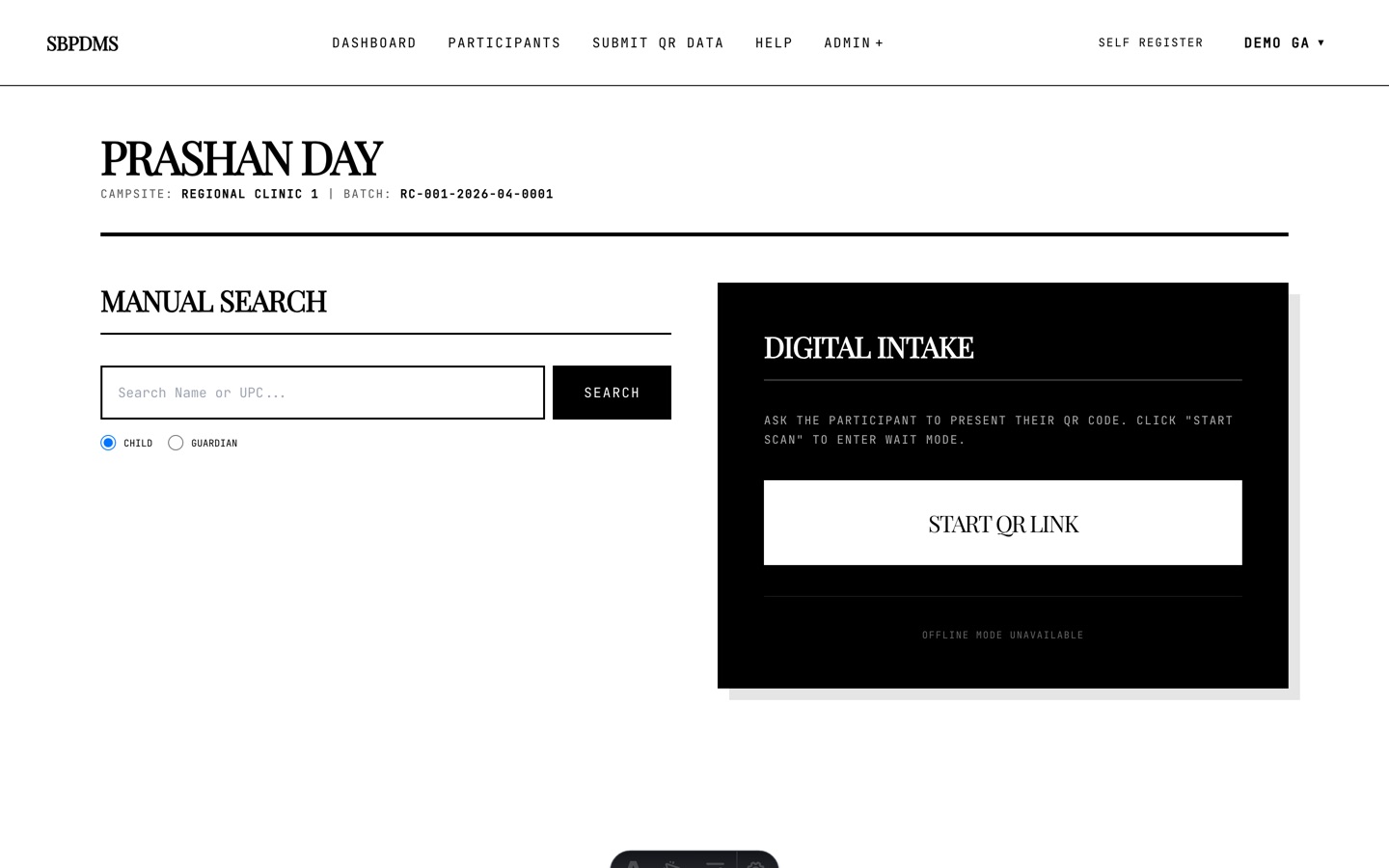 The Prashan-day page: scan a QR card on the right, or search by name or code on the left.
Who uses it
Section titled “Who uses it”| Who | What they do in SBDMS | How they sign in |
|---|---|---|
| Parent or guardian | Registers their child on the public form. Shows the QR card at the camp. | No login needed. |
| Health worker (GeneralUser) | Verifies registrations, runs the camp-day flow, records doses. | Username and password from the office. |
| Site admin (LocationAdmin) | Everything a health worker does, plus camp days, dose batches and staff at their own site(s). | Username and password from the office. |
| Office staff (GeneralAdmin) | All sites. Sets up reference data, runs reports, manages accounts. | Username and password from the office. |
| Project lead (SuperAdmin) | Same as GeneralAdmin, plus creates GeneralAdmin accounts. | One account, created when the system is first set up. |
Roles are explained in detail on the next page: Roles and what each can see.
What SBDMS is not
Section titled “What SBDMS is not”- It is not medical advice. Dose rules, exclusion criteria and thresholds are whatever your clinical lead has entered. The system stores them; it does not decide them.
- It is not an offline app in the browser. The website needs an internet connection. If the connection drops while you save, wait and try once more.